
7 Mistakes You're Making with Mix Stems (and How to Fix Them)
7 Mistakes You're Making with Mix Stems (and How to Fix Them)
![[HERO] 7 Mistakes You're Making with Mix Stems (and How to Fix Them)](https://cdn.marblism.com/URWqD4bWvJm.webp)
You've just finished tracking your song. The guitar tone is perfect, the drums are punchy, and your vocals are sitting in that sweet spot between raw and refined. You're ready to mix.
Then you open your project and realize you have 47 tracks of chaos staring back at you. Welcome to the wonderful world of mix stems: where organization goes to die and "I'll fix it in the mix" becomes your personal nightmare.
Here's the thing: most DIY musicians and producers sabotage their mixes before they even start. Not because they lack talent or good ears, but because they're making fundamental mistakes with how they prepare and handle their stems.
Let's fix that.
Mistake #1: Treating Your DAW Like a Junk Drawer
You know that drawer in your kitchen with batteries, random screws, expired coupons, and a weird Allen wrench you've never used? That's what your session looks like.
Tracks named "Audio 1," "Audio 1-2," and "Audio 1-2 FINAL (actually final this time)": we've all been there. The problem is that when you're three hours into a mix and can't find that one guitar harmony you swore you recorded, poor organization kills your creative momentum.
The fix: Name your tracks as you record them. Use a consistent naming convention: instrument type, part number, take number. "GTR_Rhythm_01," "VOX_Lead_Verse," "DRUM_Kick_Main." Future you will thank present you.
Mistake #2: Leaving Processing On When Bouncing Stems
This is the big one. You spent hours dialing in that perfect reverb and compression chain on your vocals. Sounds amazing in the session, right? So you bounce your stems with all that processing baked in.
Now your mix engineer (or OSMIX) has to work with vocals that are already drenched in reverb, over-compressed, and sitting in a specific tonal space. There's no undo button on a bounced file.
The fix: Bounce your stems completely dry: no EQ, no compression, no effects. Think of it as giving your mix the raw ingredients instead of a pre-cooked meal. If you absolutely must include certain processing because it's part of the sound (like a guitar amp plugin), make a note of it.
Mistake #3: Ignoring Headroom Like It Doesn't Matter
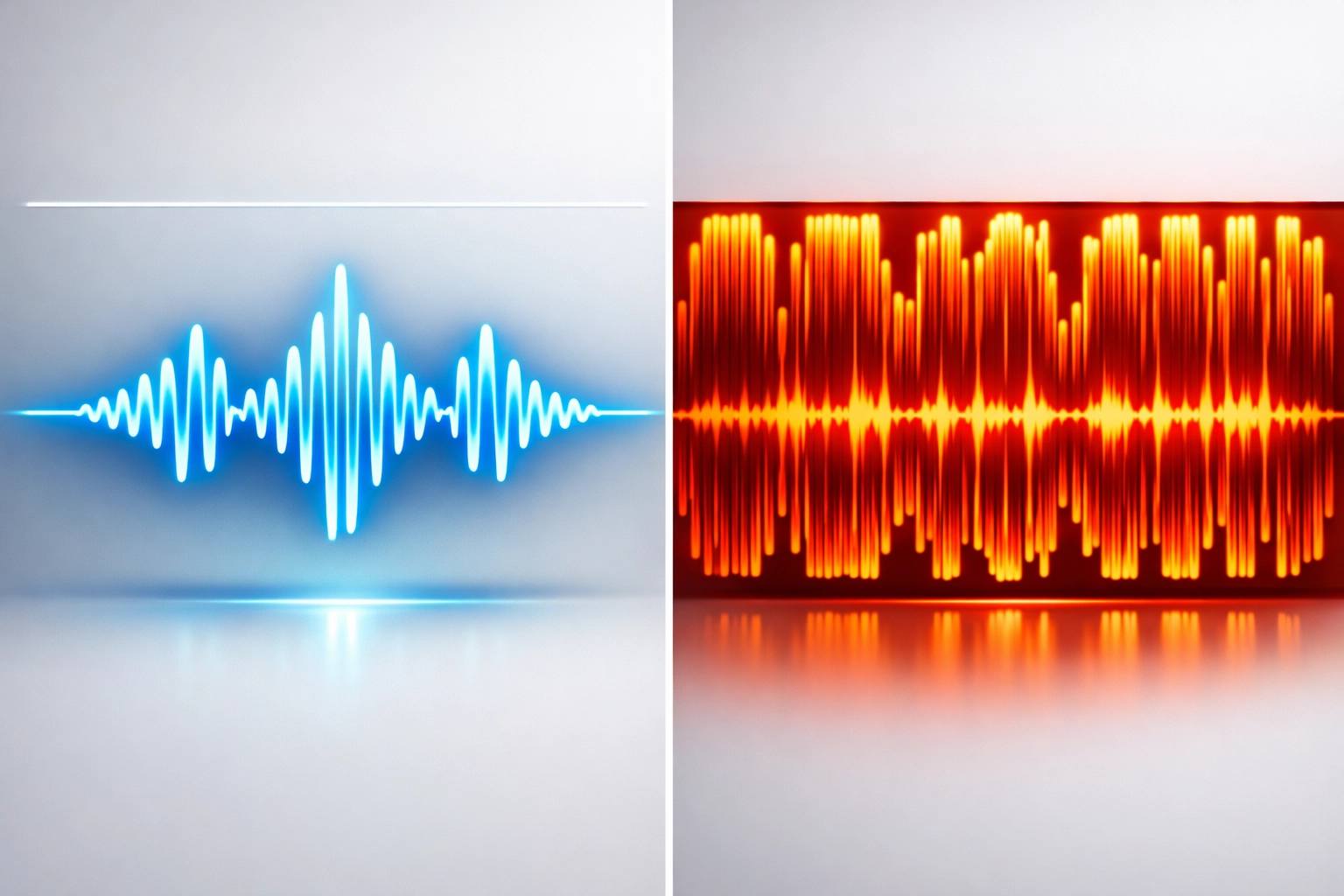
Your stems are peaking at -0.2 dB. "Perfect," you think. "Maximum loudness!"
Except now there's zero room for processing, combining, or adjusting levels without clipping. When you start adding EQ boosts or compression, you're immediately in the red. That's not loudness: that's digital distortion waiting to happen.
The fix: Keep your stems peaking around -6 dB to -10 dB. This gives you plenty of headroom for mixing without sacrificing anything. Loudness comes at the mastering stage, not when bouncing stems. Trust the process.
Mistake #4: Exporting in the Wrong Format
WAV or MP3? 16-bit or 24-bit? 44.1 kHz or 48 kHz? If these questions make your eyes glaze over, you're probably exporting in whatever default setting your DAW chose.
Here's what happens when you bounce stems as 128 kbps MP3 files: you lose audio information you can never get back. It's like photocopying a photograph and then trying to enlarge it: the detail just isn't there.
The fix: Export as WAV or AIFF files at the same sample rate and bit depth you recorded at (typically 44.1 kHz/24-bit or 48 kHz/24-bit). Never, ever use MP3 or compressed formats for stems. Save those for Spotify playlists, not professional mixing.
Mistake #5: Stem Grouping Gone Wrong
You've got twelve tracks of drums: kick in, kick out, snare top, snare bottom, three toms, overheads left and right, room mics, and a sample layer. Do you bounce all twelve separately or group them into a stereo "drums" stem?
Both approaches can work: but choosing wrong for your situation creates problems. Too many individual stems become overwhelming. One stereo drum stem offers zero flexibility if the kick needs adjusting separate from the overheads.
The fix: Think about what you want controllable in the mix. Bounce logical groups: kick, snare, toms, overheads, room as separate stems. Same philosophy for everything else: bass DI and bass amp as separate stems, background vocals as a group if they're already balanced, lead vocal always separate.

Mistake #6: Phase Problems You Can't Hear Yet
You recorded your acoustic guitar with two mics. Both tracks sound great individually. You bounce them as a single stereo stem. Perfect, right?
Except those mics were slightly out of phase with each other. When combined, certain frequencies cancel out: a phenomenon called comb-filtering. In your headphones during tracking, you might not notice. In the mix, it sounds thin, hollow, and weird.
The fix: Before bouncing combined stems, check phase relationships. Most DAWs have a phase meter, or you can simply flip the polarity on one track and listen. If it suddenly sounds fuller with the polarity flipped, you had phase issues. Fix it before bouncing, or keep the tracks separate so your mix engineer can address it.
Mistake #7: No Reference Document
You send off your stems with zero context. No tempo information, no key, no notes about what that weird synth sound in the bridge is supposed to be, and definitely no reference tracks.
Your mixer opens the session and has to guess: Is that 808 supposed to be prominent or buried? Are those backing vocals meant to be whispered or pushed? What genre are we even shooting for?
The fix: Include a simple text file with your stems. List the BPM, song key, any timing signatures that change, notes about specific parts ("the distorted vocal in the chorus is intentional"), and 2-3 reference tracks that inspired the vibe. Takes five minutes, saves hours of back-and-forth.
The Real Solution: Stop Fighting With Stems Entirely
Here's the truth: all these mistakes exist because preparing stems properly is tedious, technical, and time-consuming. Even when you do everything right, you're still handing off your music and hoping someone interprets your vision correctly.
That's exactly why OSMIX exists.
Instead of worrying about headroom, phase alignment, file formats, and documentation, OSMIX lets you drag in your raw tracks and handles the technical heavy-lifting automatically. It analyzes your stems, applies intelligent processing, and gives you pro-quality mixes with three distinct style presets: Thump, Sparkle, and Modern: so you can match your genre and vibe instantly.
No more wondering if you bounced things correctly. No more $500+ mixing fees. Just upload your tracks, pick your style, and get a professional-sounding mix in minutes.
The best part? OSMIX is just $49 and comes with a 14-day free trial. That's less than the cost of one professional mixing session, and you get unlimited mixes for life.
Your Stems Deserve Better
Look, you can absolutely learn to prepare perfect stems. You can master every technical detail, create elaborate organizational systems, and become the person who bounces flawless files every single time.
Or you can make music instead.
The DIY musician's superpower isn't technical perfection: it's creativity, vision, and the ability to turn ideas into finished songs. If spending three hours organizing stems sounds less appealing than writing your next hook, you're thinking correctly.
Mix stems are supposed to serve your music, not become a second job. Whether you decide to level up your stem game manually or let OSMIX handle the technical stuff, the goal is the same: getting your music from "recorded" to "release-ready" without losing your mind.
Try OSMIX free for 14 days and see what happens when you stop fighting with stems and start finishing songs. Your future catalog will thank you.
