
How to mix a Song in 10 Minutes
How to Mix a Song in 10 Minutes: A Beginner's Guide
![[HERO] How to Mix a Song in 10 Minutes: A Beginner's Guide](https://cdn.marblism.com/6OzDRxl3F5K.webp)
You've just finished recording your song. The vocals are there, the guitars sound crisp, and the drums hit hard. But when you play it back, everything sounds... flat. Muddy. Like someone threw all your tracks into a blender and hit "chaos."
Welcome to the world of mixing, where turning a collection of tracks into an actual song feels like solving a Rubik's cube blindfolded.
Here's the thing, professional mixing usually takes hours, sometimes days, and years of experience. You're supposed to know about EQ curves, compression ratios, panning positions, and about seventeen other things that sound like they require a PhD in audio engineering.
But what if you don't have hours? What if you just want your song to sound good without becoming a mixing expert?
That's exactly why we built OSMIX.
The Traditional Mixing Nightmare
Let's be honest about what "learning to mix" actually looks like for most beginners.
First, you need to understand the fundamentals: balance, EQ, compression, reverb, panning. Then you need to train your ears to hear subtle differences in frequency ranges. You'll spend countless hours watching YouTube tutorials that contradict each other. One producer swears by cutting at 200 Hz, another insists you should boost at 250 Hz, and you're sitting there thinking, "I can't even tell the difference."

The typical mixing workflow goes something like this:
- Set your levels (3-4 minutes if you're fast): balancing each track so nothing overpowers anything else
- Apply EQ (another few minutes per track): cutting muddy frequencies, adding clarity where needed
- Add compression (good luck): controlling dynamics without squashing the life out of your song
- Pan your instruments (because everything in the center sounds boring)
- Apply reverb and delay (sparingly, they say, but how much is too much?)
- Listen on multiple systems (your laptop, your car, your friend's Bluetooth speaker)
- Make adjustments (repeat steps 1-6 approximately infinity times)
By the time you're done, you've either achieved a decent mix or you've convinced yourself that "lo-fi" was your intention all along.
What If Mixing Didn't Have to Be Complicated?
Here's the dirty secret about mixing: most bedroom producers don't actually need to understand every technical detail. They just need their songs to sound professional.
That's where OSMIX comes in. Our Neural Audio Processing Engine does the heavy lifting: analyzing your tracks, understanding their relationships, and applying professional mixing techniques automatically. You get studio-quality results without needing to know what a sidechain compressor is (though it's cool if you do).
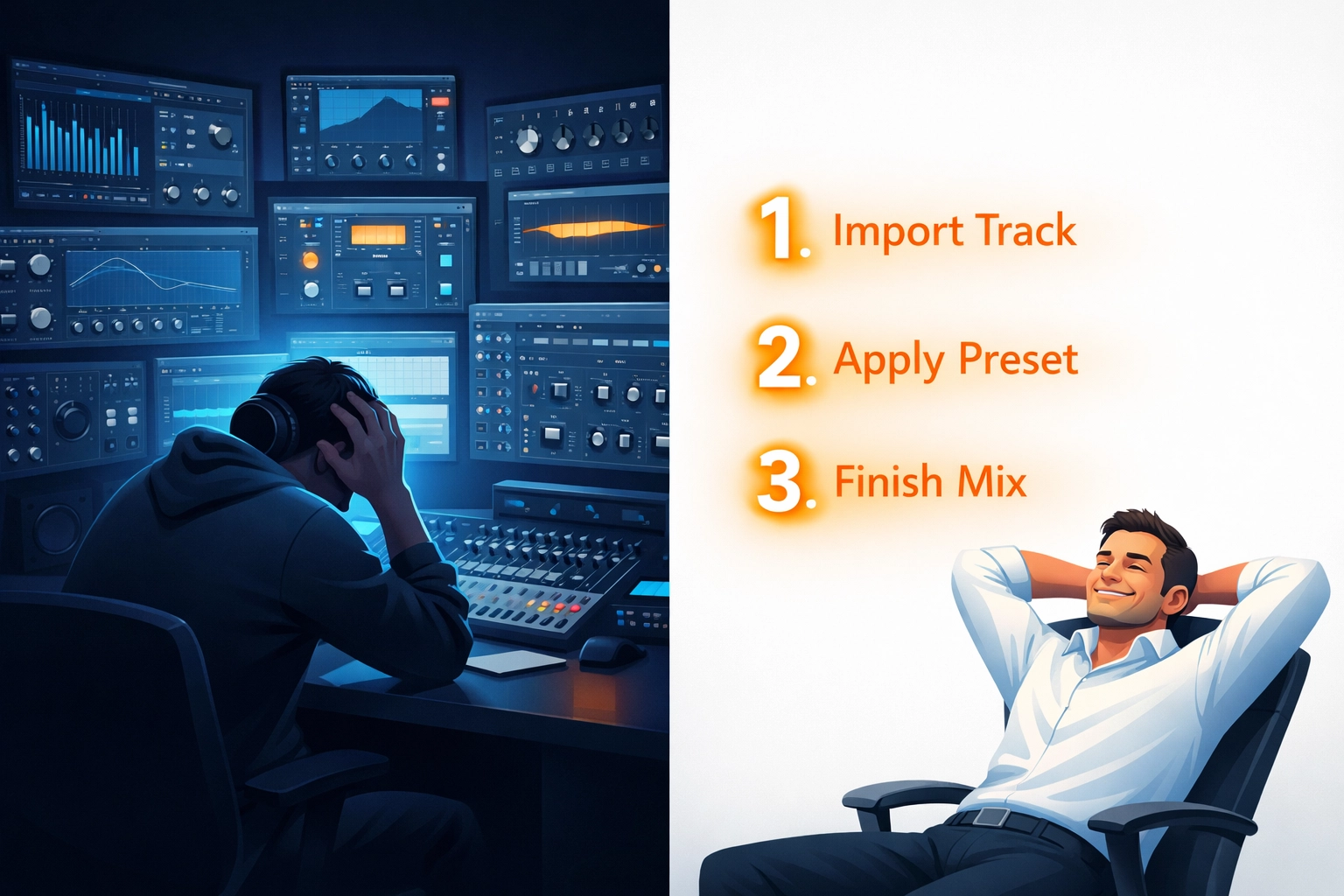
The process is ridiculously simple:
Step 1: Import Your Tracks
Drag and drop your audio files or stems into OSMIX. That's it. No routing, no bussing, no praying you set up your session template correctly.
Step 2: Choose Your Style
Select the mixing style that matches your genre: whether you're making hip-hop, rock, electronic, or anything in between. OSMIX understands genre-specific mixing conventions and applies them intelligently.
Step 3: Export
Hit export. Get a professional mix. Go make a sandwich to celebrate.
Seriously, that's the whole process. Import. Style. Export.
What's Actually Happening Under the Hood
Just because it's simple doesn't mean it's simplistic. While you're choosing your style and hitting export, OSMIX's Neural Audio Processing Engine is working through the same steps a professional engineer would take:
Intelligent Level Balancing
The system analyzes each track's frequency content and dynamic range, automatically setting levels so your vocals sit perfectly over your instrumental, your bass anchors the low end without overwhelming it, and your drums punch through without being harsh.
Smart EQ Application
Instead of you manually cutting muddy frequencies around 250-400 Hz or rolling off the low end below 50 Hz, OSMIX does this automatically: but contextually. It understands that the low-end rumble you want to remove from vocals is the same frequency range you want to preserve in your bass guitar.

User-Defined Panning
OSMIX knows that hip-hop often keeps most elements fairly centered, while rock and indie typically spread guitars wide. We leave the panning to you. You can find pan controls for each audio file on the Import page.
Professional Spatial Effects
The right amount of reverb makes your mix sound spacious. Too much makes it sound like you recorded in a bathroom. OSMIX applies spatial effects with the precision of an experienced mix engineer: adding dimension without drowning your song in ambience.
Why This Matters for Beginners
If you're just starting out, the fastest way to stop making music is to get bogged down in technical details that don't immediately translate to better-sounding songs.
Think about it: you didn't start making music because you wanted to become an EQ expert. You started because you had songs in your head that needed to get out. Mixing shouldn't be the wall that prevents your music from reaching listeners.
OSMIX removes the barrier. It lets you focus on the creative stuff: writing, recording, arranging: while handling the technical side that normally requires years of training.
And here's the best part: as you use OSMIX, you actually learn about mixing. You start to hear what a properly balanced mix sounds like. You develop an ear for what works. If you eventually want to dive deeper into manual mixing, you'll have a reference point. But if you don't? That's completely fine too.
The Price Point That Makes Sense
Professional mixing engineers charge hundreds of dollars per song. DAW plugins and processing chains can cost thousands to assemble. Even budget mixing courses run $200-500.
OSMIX costs $99.
Not per song. Not per month. You get the entire tool for less than the price of a couple months of your streaming subscriptions.
For beginners trying to figure out if music production is actually for them, or bedroom producers releasing songs independently, that's a game-changer. You get professional results without the professional price tag.

Your Mix in Minutes, Not Hours
Can you learn traditional mixing? Absolutely. Should you? Maybe, if that interests you. But do you need to learn it before releasing music that sounds good? Not anymore.
With OSMIX, your 10-minute mixing session looks like this:
- Minute 1-2: Import your tracks
- Minute 3: Choose your mix style and preview the result
- Minute 4-5: Make minor adjustments if needed (or don't: the system nailed it)
- Minute 6-10: Export and start sharing your song with the world
Compare that to the traditional route: hours of tweaking, second-guessing yourself, watching tutorials, tweaking some more, realizing you over-compressed everything, starting over, questioning your life choices, and eventually settling for "good enough."
The beauty of OSMIX isn't just the time savings: it's the confidence. You know your mix sounds professional because it was created using the same techniques and decision-making processes that professional engineers use. You just didn't have to spend years learning how to apply them manually.
Get Started Today
Mixing doesn't have to be the bottleneck in your creative process. It doesn't have to be the reason your songs stay on your hard drive instead of reaching listeners.
OSMIX makes professional mixing accessible. Three steps. Ten minutes. Studio-quality results.
Ready to mix your first song the easy way? Download OSMIX at osmixmusic.com and hear the difference for yourself.
Your songs deserve to sound as good as they do in your head. Let's make that happen.
